
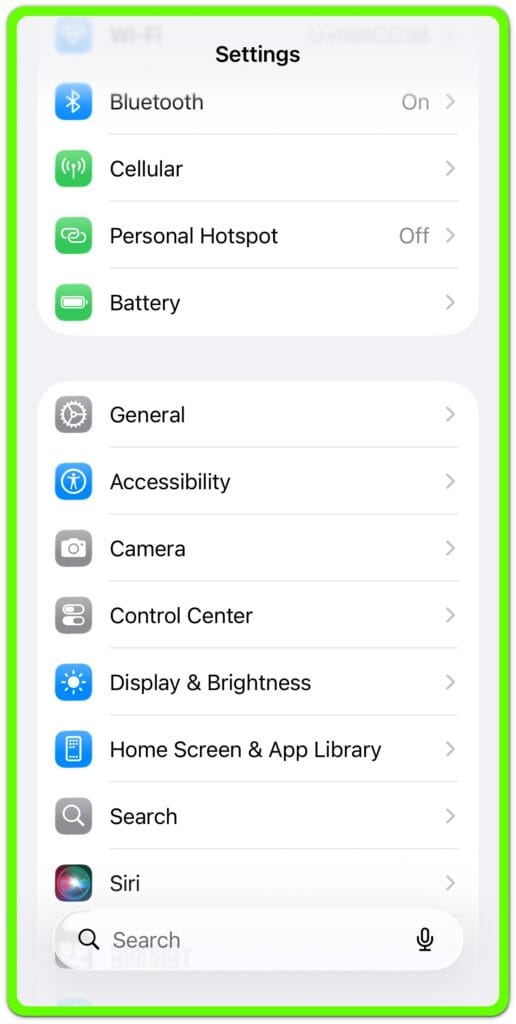
Why iOS features stop working
and where user control actually ends
This site explains how iOS limits certain actions before users see the result, why repeating the same steps often changes nothing, and when a problem has already moved beyond user control.
Not every iOS issue comes from a missed setting or a wrong tap. In many cases, restrictions have already been applied at the account, device, or server level.
This site focuses on identifying that boundary clearly. It exists to help users stop guessing and decide what to try next.
- iPhone Gets Hot While Charging — Why One Spot Feels Hot
 Introduction iPhone gets hot while charging becomes noticeable when one part of the phone feels hotter than the rest. The heat is not spread evenly across the back. One area feels hotter near the camera bump, the center of the back, or the charging port area. The phone still charges normally, and the screen shows… Read more: iPhone Gets Hot While Charging — Why One Spot Feels Hot
 - iPhone Battery Gets Hot — Why the Phone Feels Warm So Fast
 Introduction ──────────────────── Your iPhone starts feeling too hot even when no warning appears on the screen. The battery percentage still moves. Apps still open. Charging still shows as connected. But the back of the phone, the frame, or the area near the battery starts feeling hotter than expected. That makes the problem hard to judge… Read more: iPhone Battery Gets Hot — Why the Phone Feels Warm So Fast
 - iPhone Charging Slow With USB-C Cable: Why It Still Charges Slowly
 Introduction ──────────────────── Your iPhone uses a USB-C cable, but the battery still rises slowly. That feels wrong because the newer cable looks stronger and faster than the old one. The charging icon appears. The cable fits. Nothing looks broken on the screen. The confusing part is that the cable shape does not decide charging speed… Read more: iPhone Charging Slow With USB-C Cable: Why It Still Charges Slowly
 - iPhone Charging Slow After iOS Update — Why It Feels Slower Than Before
 Introduction ──────────────────── You update the iPhone and expect charging to feel the same as before. The charger still works. The cable still connects. The charging icon still appears on the screen. But the battery percentage rises more slowly than it did before the update. The problem feels confusing because nothing looks clearly broken. iPhone charging… Read more: iPhone Charging Slow After iOS Update — Why It Feels Slower Than Before
 - iPhone Charging Slow From a Dirty Charging Port — Why the Cable Connection Feels Weak
 Introduction ──────────────────── You plug in the iPhone, see the charging icon, and expect the battery to move normally. A few minutes later, the battery percentage barely changes. The iPhone looks connected to the charger. The cable looks normal from the outside. That makes the slow charge easy to blame on the battery, the adapter, or… Read more: iPhone Charging Slow From a Dirty Charging Port — Why the Cable Connection Feels Weak
›